
Manual1 min read
Export Dialog Guide
End-user walkthrough of export types and options for final output.
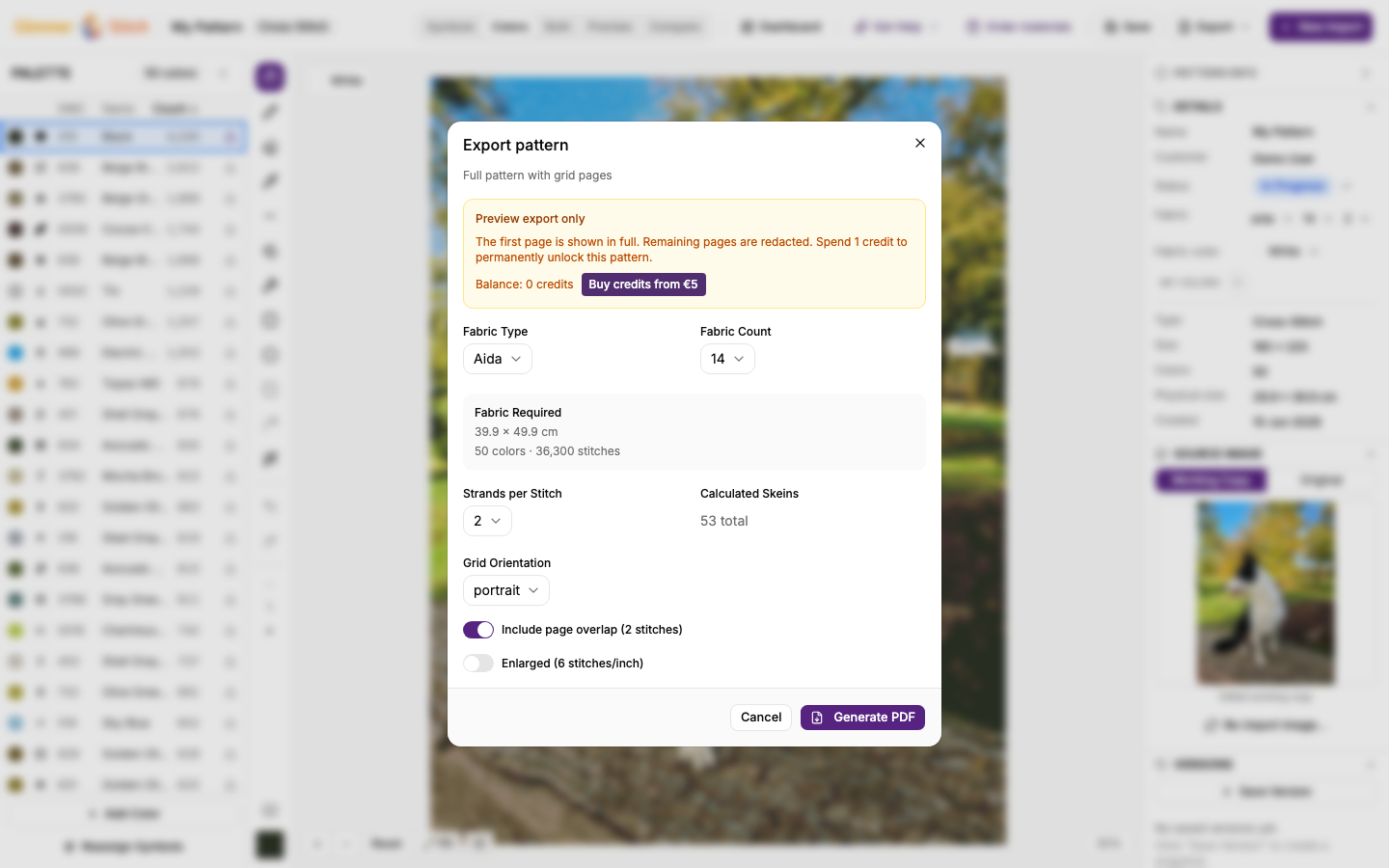
The export dialog is where you choose output format and final options.
Export types
- Pattern PDF: full printable instructions.
- Colour Key: compact symbol/colour reference.
- Simulation: realistic visual preview.
Key options to check before exporting
- PDF language
- Fabric count/type (cross-stitch)
- Layout/orientation where available
- Any lock/unlock message for full access
Best-practice export checklist
- Save latest edits.
- Confirm fabric settings.
- Export Simulation for visual review.
- Export final Pattern PDF for printing/sharing.
 zoom
zoom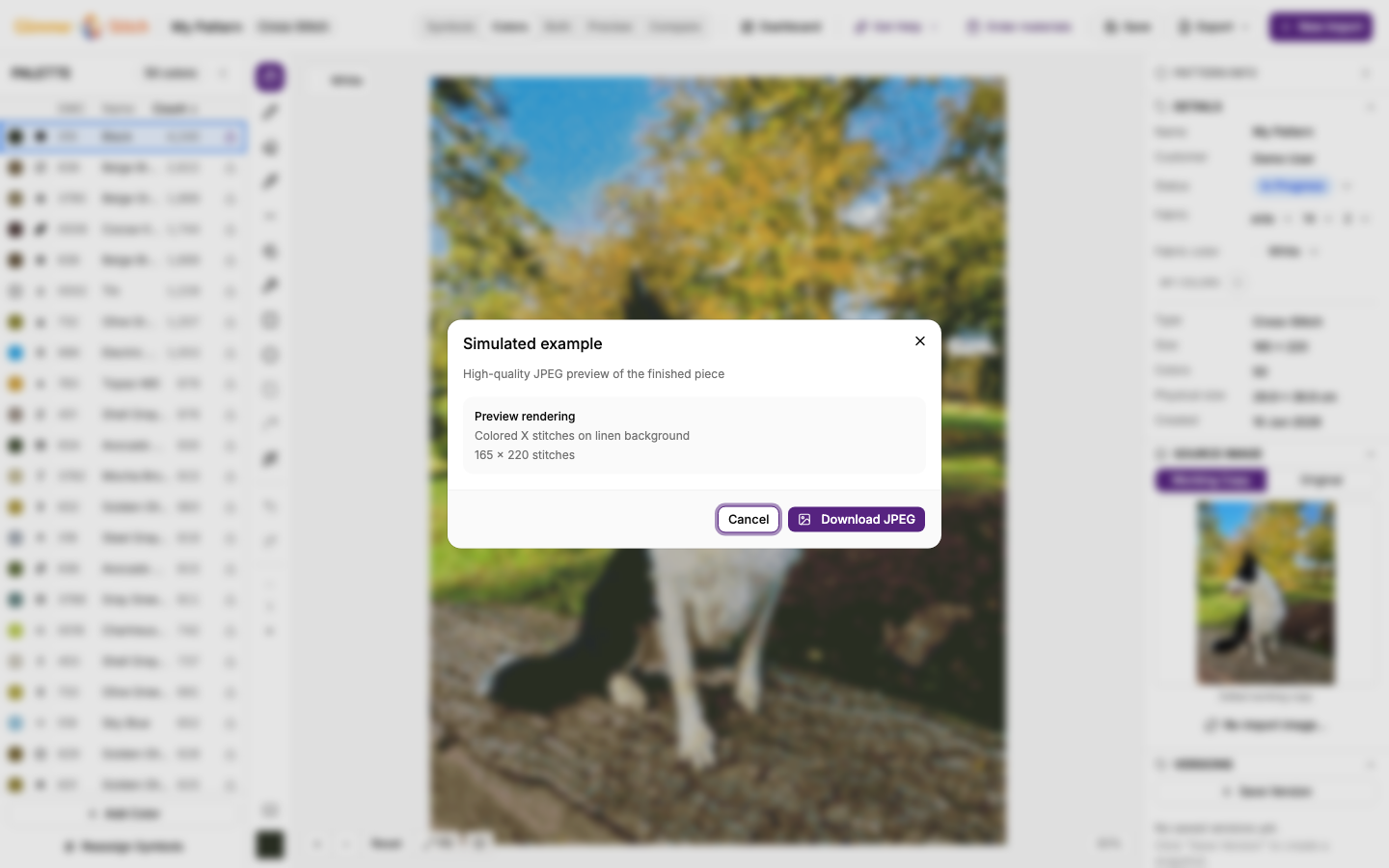 zoom
zoom