
Manual1 min read
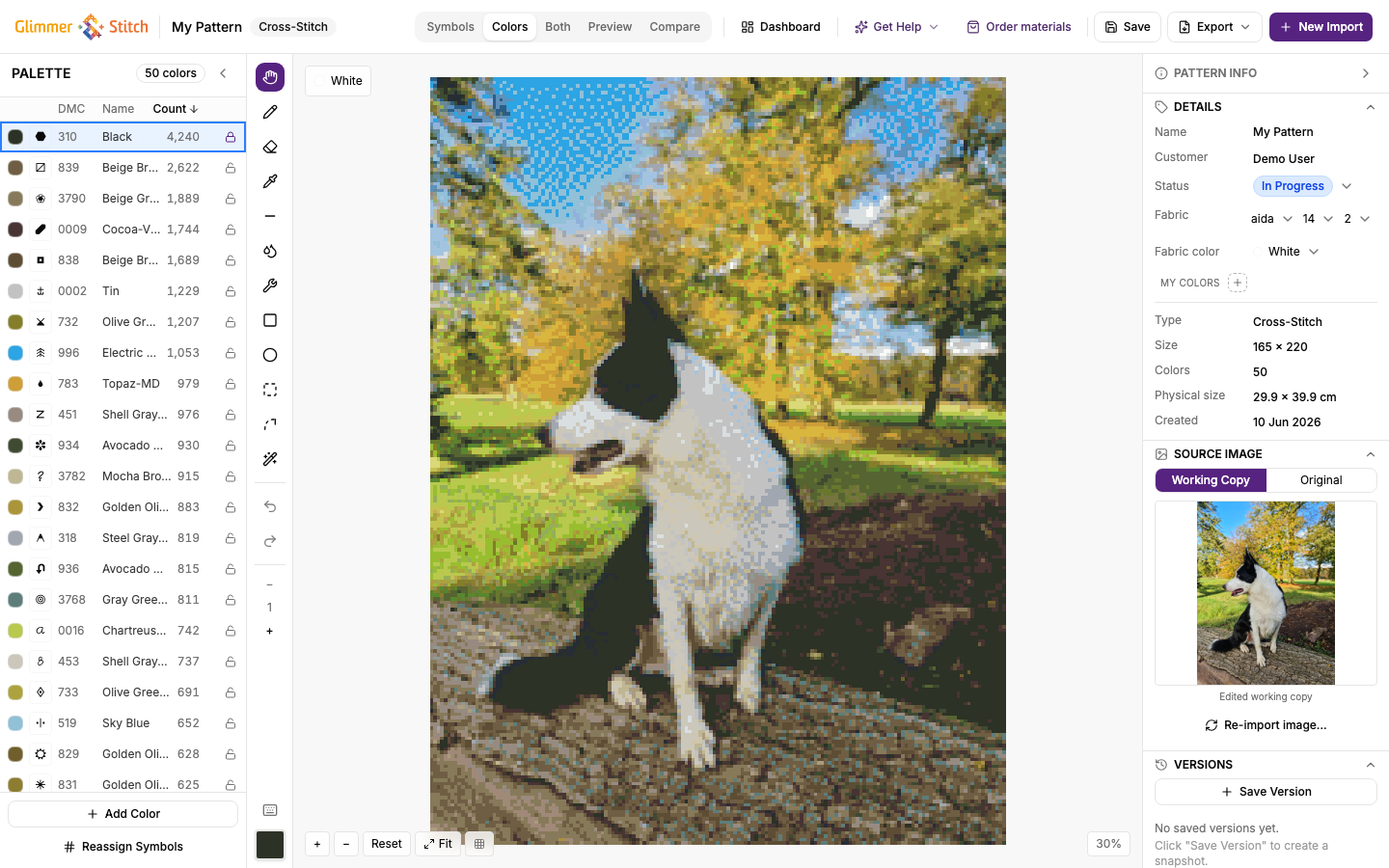
Editor Toolbar and View Modes
Understand save/export actions and view modes while editing.
After import, you work mainly in the editor.
 zoom
zoomMain toolbar actions
- Dashboard: return to your pattern list.
- Save: manually save (autosave also runs in the background).
- Export: opens export dialog.
- Order materials: opens the shop with the threads and supplies for this pattern.
- New Import / Re-import: regenerate from image with new settings.
View modes
Common modes include:
- Symbols: symbol-first view for stitch reading.
- Colours: colour-first view.
- Both: mixed symbol and colour context.
- Preview: visual result.
- Compare: compare versions/look.
Practical use
- Use Symbols/Both when checking stitch-by-stitch readability.
- Use Preview/Compare when judging visual quality.
- Save before opening export to avoid missing recent changes.