
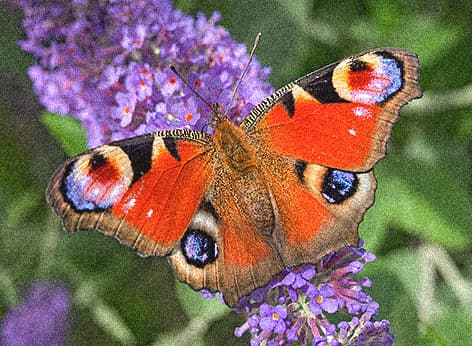
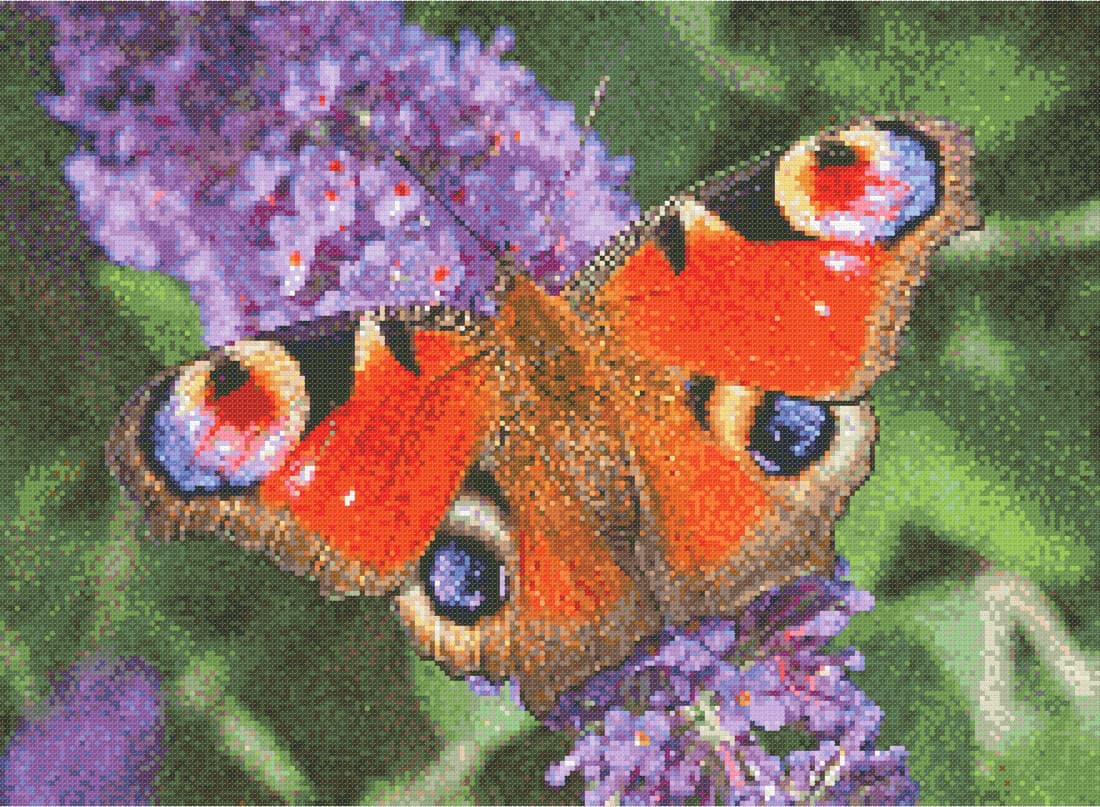
Make a cross stitch pattern without installing software
Designing your own chart used to mean expensive desktop software, or graph paper and a lot of patience. Glimmer & Stitch runs in your browser, on your computer or tablet. Your patterns are saved automatically: locally on your device, or in the cloud with a free account.
It's built for anyone who wants to stitch their own design: from a beginner capturing a photo of the dog to an experienced stitcher who wants control over every colour.
Drawing tools in the editor
After converting, you fine-tune your pattern stitch by stitch. Everything can be undone, and guide lines keep large patterns manageable.
- Pencil and eraser for single stitches
- Line, rectangle and circle for clean shapes
- Fill and colour replace to change an area or colour in one go
- Colour picker to reuse an existing colour
- Select with a rectangle, lasso or magic wand
- Clean up stray, isolated stitches
Views that match how you work
View your pattern the way you need it at that moment. The symbol view checks that the chart is easy to read while stitching. The colour view shows the design as a whole. The preview shows how it looks once stitched, and compare puts two versions side by side.
Colours, fabric and thread
Every colour in your pattern is a DMC stranded cotton from a palette of 481 shades. You decide how many colours the pattern may use; for a photo, 30 to 50 is a good start. If you want to stick to a set of threads you already own, you can build a custom palette.
Choose your fabric, such as 14-, 16- or 18-count Aida, and the number of strands per stitch. The tool calculates the finished size and how much thread you need of each colour.
Already have a pattern? Import it
Got a pattern from another program or a PDF pattern you bought? Glimmer & Stitch imports .oxs files, .xsd files (HobbyWare Pattern Maker) and PDF patterns, so you can keep working in one place.
What does it cost?
Designing, editing, the colour key and a preview of the finished piece are free. For the full print-ready pattern PDF you use one credit: €5.00 per pattern, or from €2.00 per pattern with a bundle or subscription.
Want to sell patterns you make with Glimmer & Stitch? That needs a commercial licence. Get in touch to discuss the options.