
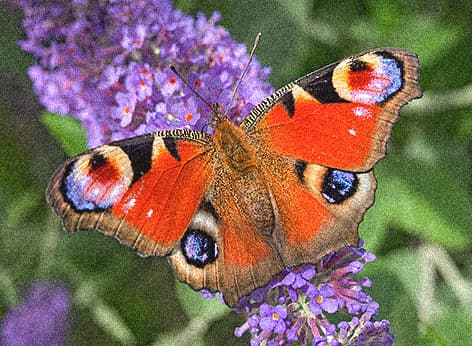
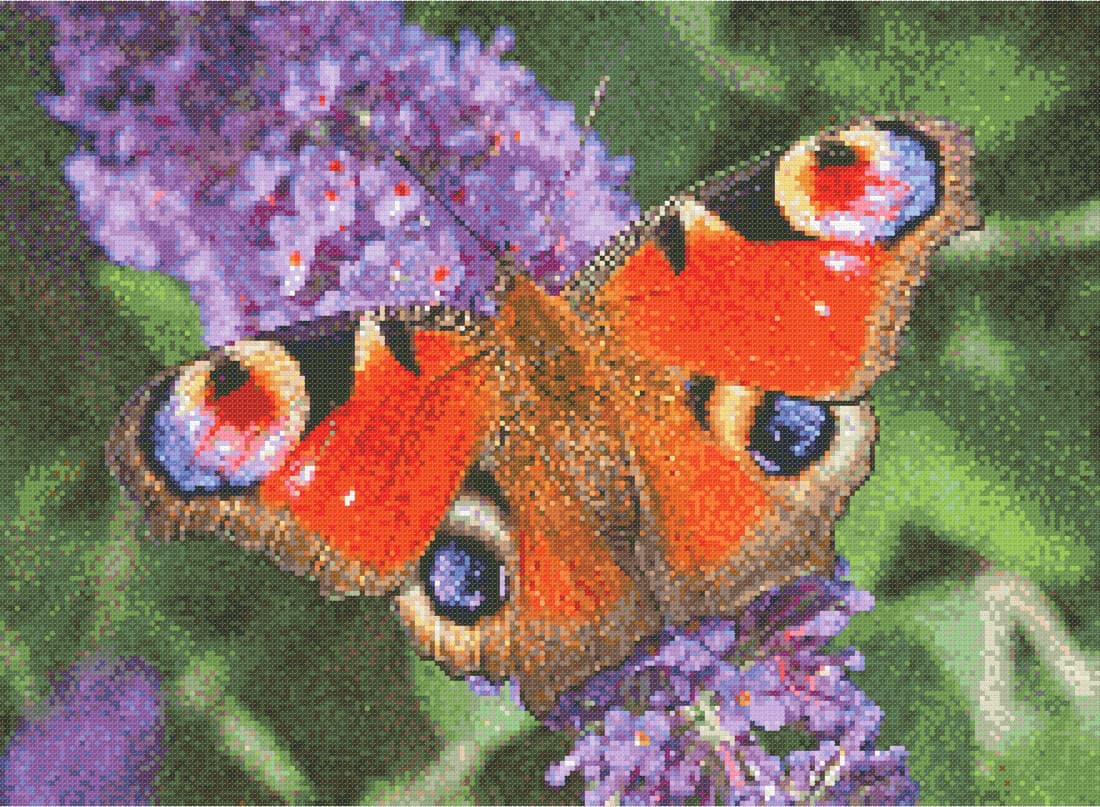
Which photos make the best cross stitch patterns?
Not every photo makes great cross stitch. A pattern is a grid of crosses, so tiny details disappear and areas with clear contrast remain. The better your photo fits that, the better the result.
Pick a sharp, well-lit photo where your subject fills the frame. A calm background helps too. If the background is busy, use the AI background removal: it isolates your subject in one click, even with hair and fur.
- Sharp and well lit, ideally in daylight
- Subject large in the frame, not too much empty space
- Clear contrast between subject and background
- Higher resolution gives you more room to crop
How many colours does a cross stitch pattern need?
A photo has thousands of colours; a cross stitch pattern usually has between 20 and 60. Glimmer & Stitch reduces the colours automatically and matches each one to the nearest DMC stranded cotton from 481 shades, so you never get a colour you can't buy.
For a photo, 30 to 50 colours is a good starting point. Fewer colours give a calmer pattern that stitches faster; more colours give smoother transitions, for example in a face. Dithering blends colours in small patterns for softer gradients. For portraits, try both and compare them side by side.
Need part of the photo to stay extra sharp, like the eyes or a face? Mark it as a focus area and the tool gives it priority when choosing colours.
How big will your cross stitch be?
The finished size depends on the stitch count and your fabric. On 14-count Aida you stitch 14 stitches per inch, so a 100 × 100 stitch pattern comes out at about 7 × 7 inches (18 × 18 cm). On 16- or 18-count the same pattern is smaller and finer.
You set the fabric and strands per stitch before generating the pattern. The tool uses them to calculate the finished size and thread usage, so you know how many skeins of each colour you need.
- 100 × 100 stitches on 14-count: about 7 × 7 in (18 × 18 cm)
- 150 × 200 stitches on 14-count: about 11 × 14 in (27 × 36 cm)
- More stitches means more detail, and more time stitching
What you get
The full pattern is a print-ready PDF with the chart split across overlapping pages, one symbol per colour, a colour key with DMC numbers and the thread usage per colour. ‘Order materials’ shows the threads and supplies you need straight away.
Designing, editing, the colour key and a preview of the finished piece are free. For the full pattern PDF you use one credit: €5.00 per pattern, or from €2.00 per pattern with a bundle or subscription.
Made by stitchers
Glimmer & Stitch is made by Borduurshop Hengelo, an embroidery shop in the Netherlands with more than 20 years of experience making patterns for cross stitch, diamond painting and photo embroidery. Stuck with your photo, or want us to clean it up for you? Our team can edit your photo or refine your pattern by hand.